

01.
EasyTacho downloads data automatically, but there are times when manual intervention is required. For example, when a driver card expires or when a driver leaves the company.
02.
Driver Off Duty (1/2)
It’s unlikely that EasyTacho will perform a download exactly at the end of the driver’s last trip.
There will still be data on the driver card that you need for your records.
03.
Driver Off Duty (2/2)
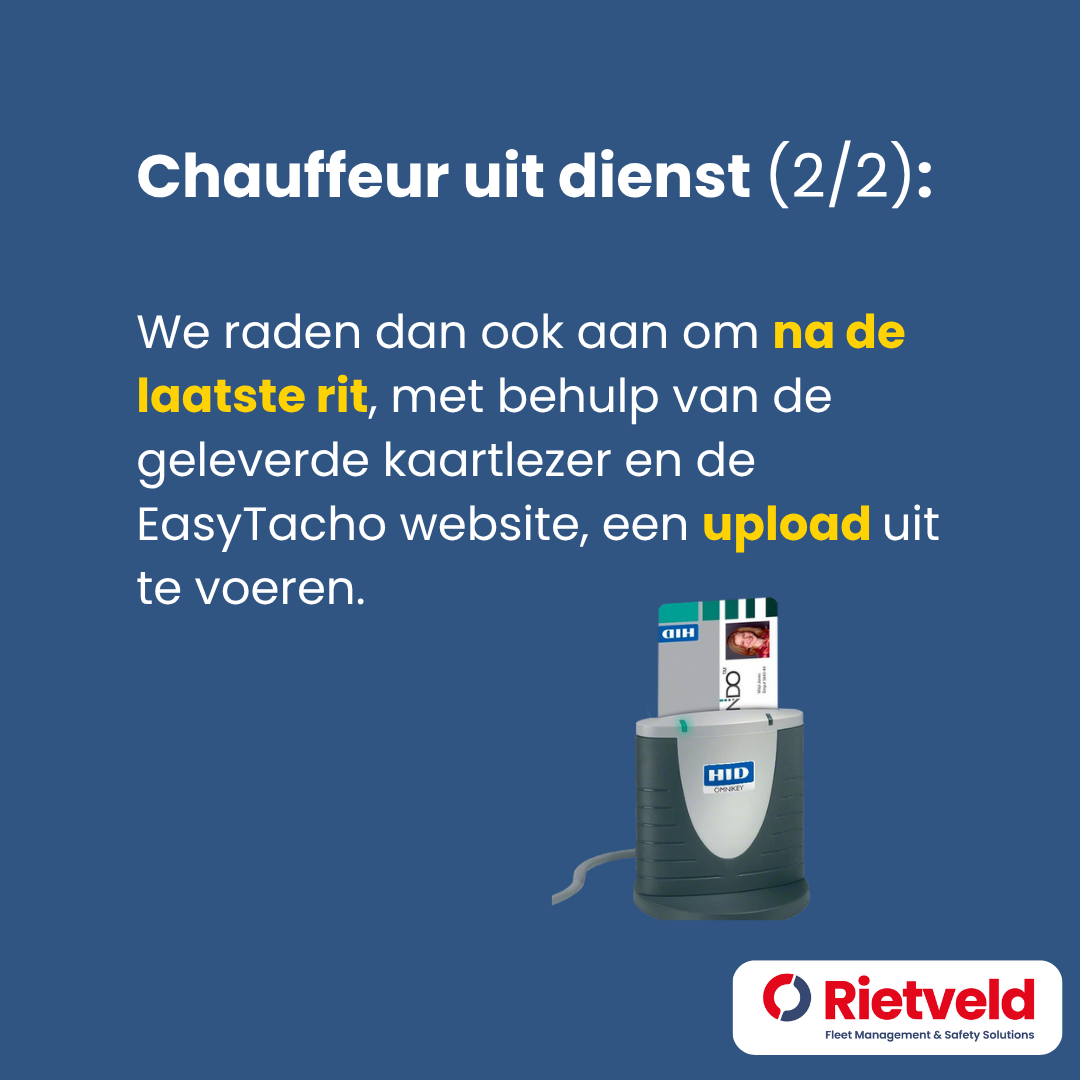
We therefore recommend that you upload the data after the last trip using the supplied card reader and the EasyTacho website.
04.
Expired Driver Cards (1/2):
Driver cards eventually expire, at which point the driver no longer uses them. Just as when a driver leaves the company, there is a chance that NOT all data from the expired driver card has been automatically downloaded.
05.
Expired Driver Card (2/2)
We therefore always recommend that, once the driver card is no longer in use, you upload it to the EasyTacho website using the card reader provided.